-
1
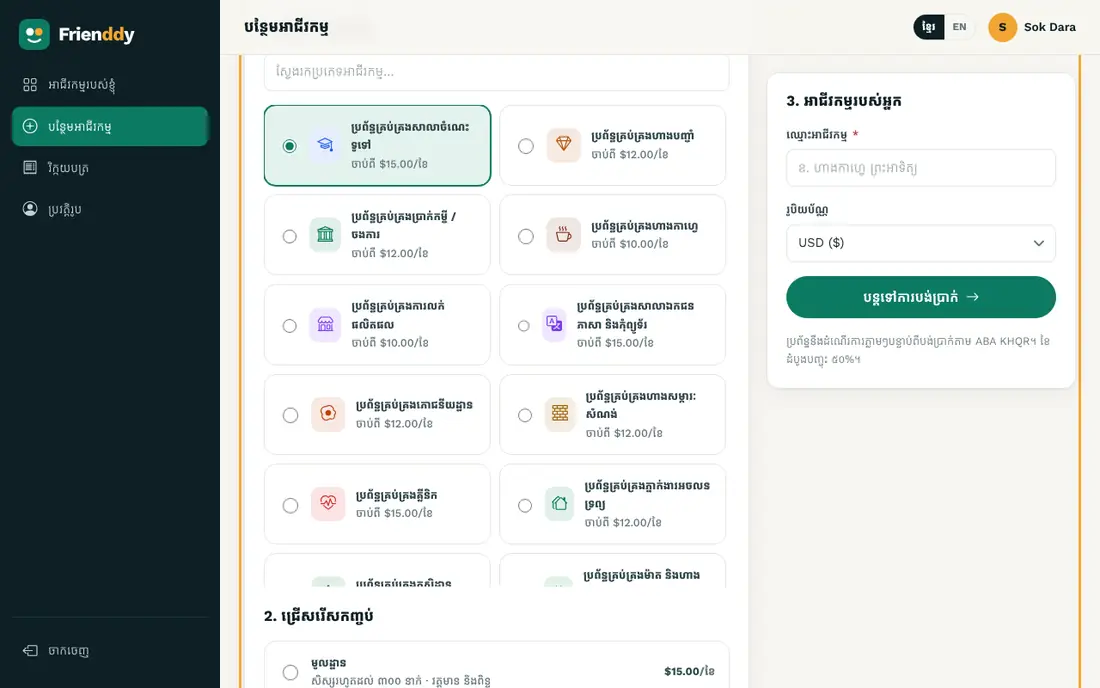
Press “Add a business”
After signing in, press “Add a business” in the left menu or on “My businesses”.
-
2
Choose a system and name it
Pick the business type (e.g. café), type the business name, choose the currency (dollar or riel) and create it. All menus and modules are set up for you, and the first month is free.
-
3
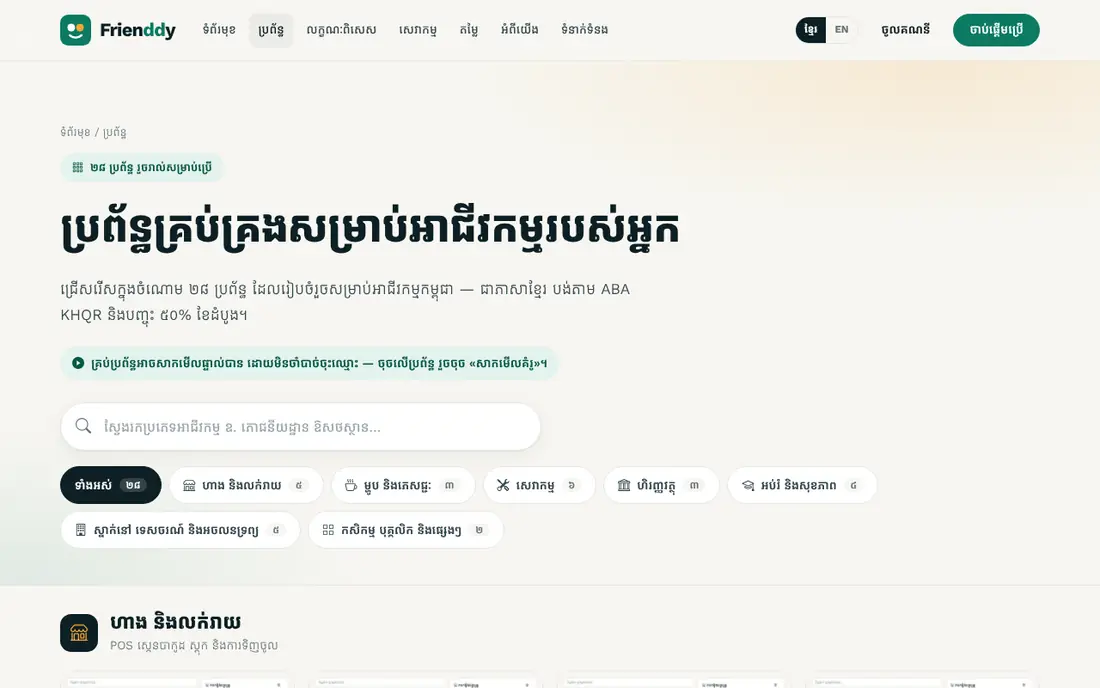
Try the demo first
Not sure yet? Open any system page and press “Try the demo” to look around with sample data, no sign-up needed.
Still need help?
The Frienddy team is happy to help, in Khmer or English.